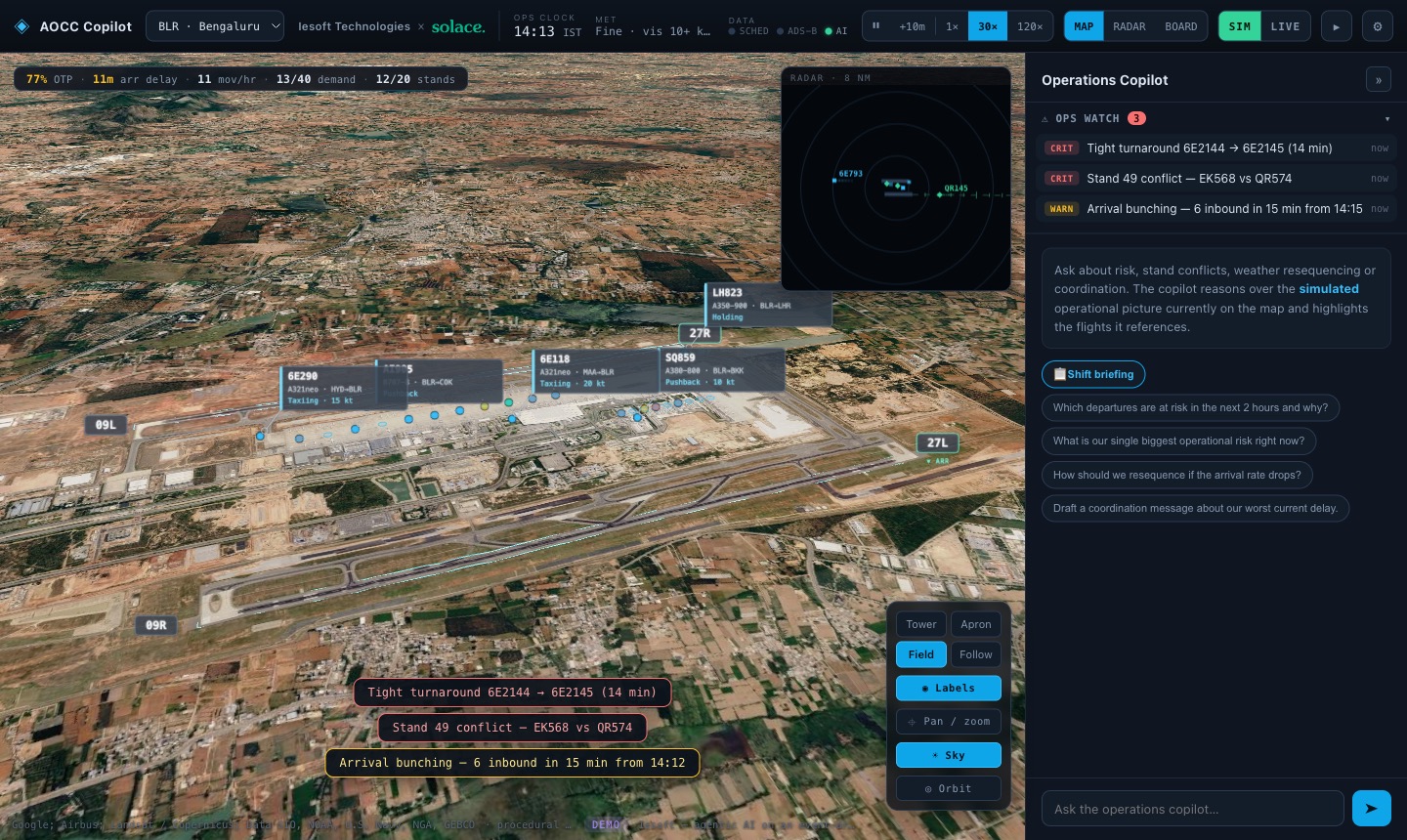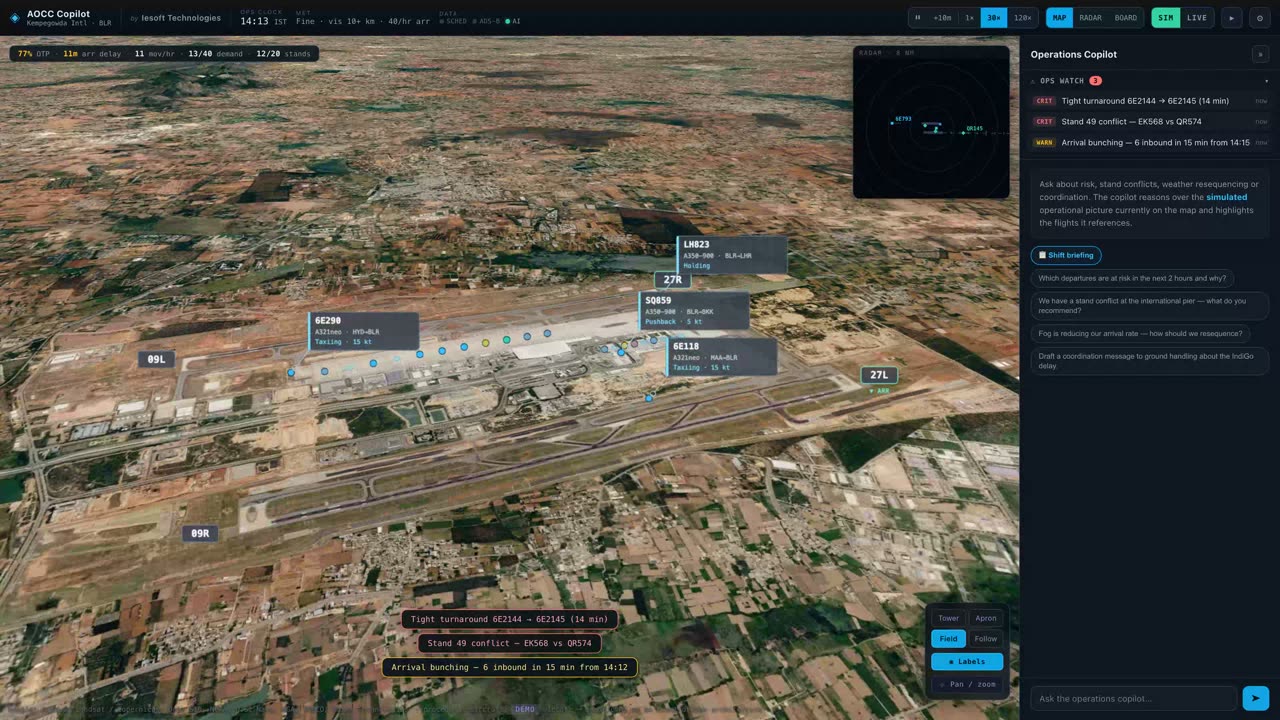
The detailThe copilot can only talk about what is on the map. It answers through tools that read the live state, and when it names a flight, the 3D view flies to it.
Practice: Every number has a sourceThe problem
An airport operations control centre watches hundreds of moving parts at once: arrivals, stands, turnarounds, weather and the crews that keep it all moving. The picture lives across a dozen screens, and the person on shift stitches it together in their head, usually at the worst possible moment.
What we built
A copilot that works on a photoreal 3D model of the airport. Flights move in real time from schedule, ADS-B and weather feeds. The copilot reads the same operational picture the controller sees, answers questions about it in plain language, and flies the camera to the flights it is talking about.
- Proactive alerts for tight turnarounds, stand conflicts and arrival bunching
- A shift-handover brief written from the last hours of operations
- A stand Gantt, ops board and radar that stay in sync with the 3D field
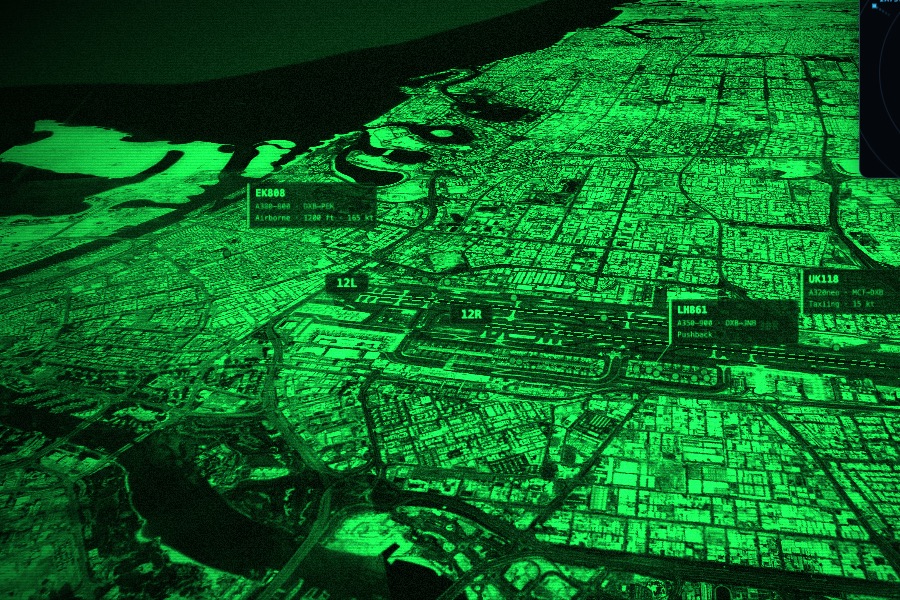
- Daylight, thermal, night-vision and noir render modes for different conditions
- Replay, and a 90-second presenter autopilot for walkthroughs
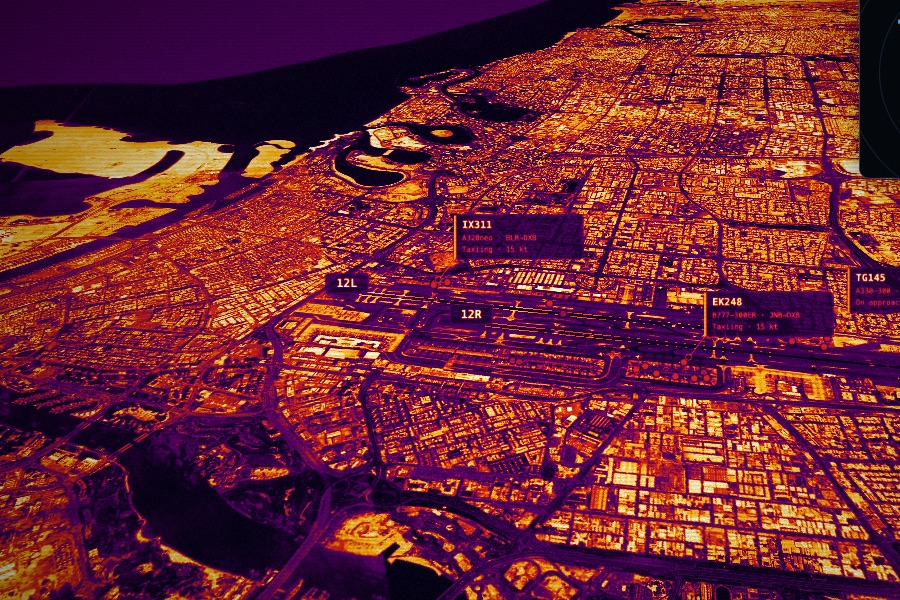
THERMAL VIEW · APRON
How it works
Every feed lands as an event. A small service keeps one current state for each flight and stand, and the copilot answers through tools that read that state, so it can only talk about what is actually on the map. When it names a flight, the 3D view highlights it. The same model runs on nine airports today, and the Marine mode applies it to ports (Port Watch). See Your Airport Think is a short film of one shift with the copilot.
Where it goes next
Gate and stand optimisation, crew rostering signals, and handing the copilot’s proposals to the airport’s own systems once a person has signed them off.